Format library
The Lollipop ad formats with a page, and what each one is for
Every ad Lollipop makes is built against a named format, and a format is a rule set rather than a template: it decides who is on camera, what the room is, whether there is B-roll, and whether authored on-screen text is permitted at all. There are 21 formats in six families: UGC, podcast and interview, animation, faceless, footage-driven, and SaaS product demos.
How do the formats differ from each other?
On four things, and picking well means picking on those rather than on taste: who is on camera, what the picture is made of, whether the words appear on screen, and how long the ad runs. Every format below has a page, and they span all six families.
| Format | Who is on camera | What the picture is | Authored on-screen text |
|---|---|---|---|
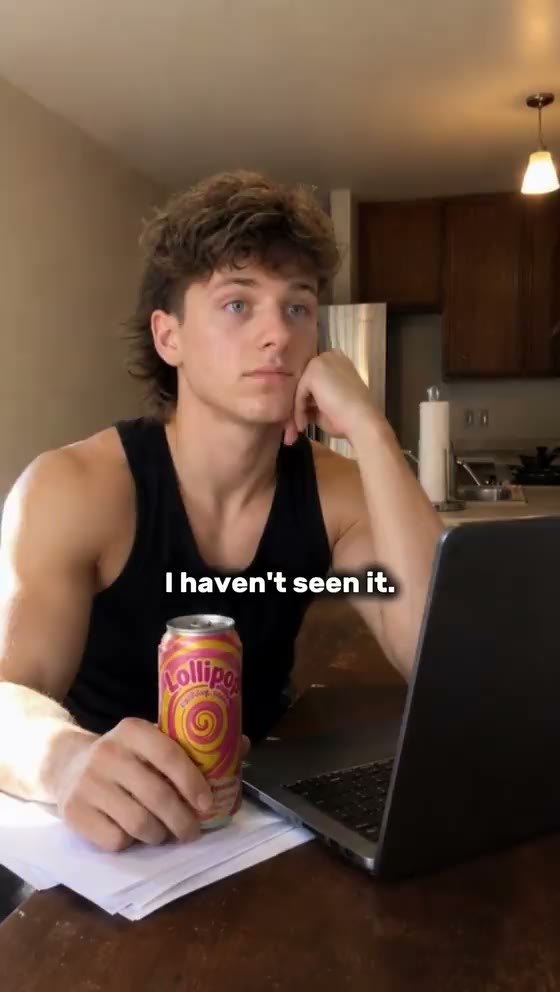
| Yapper | One person, every frame | One real room, no cutaways | None. |
| Whiteboard Explainer | A hand and a forearm | A marker board, edge to edge | None. |
| Claymation | Sculpted plasticine puppets | A handmade tabletop set | None. |
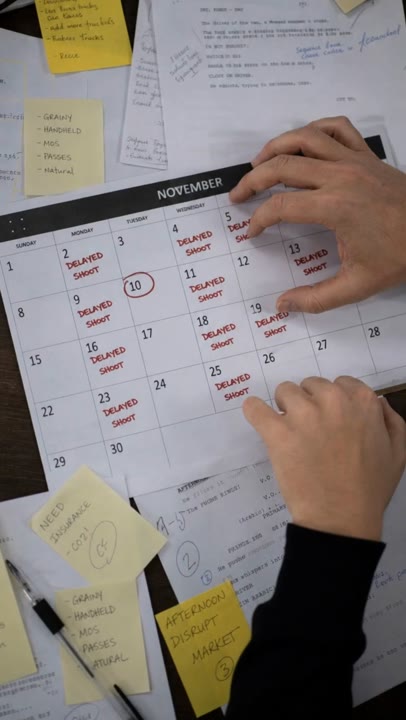
| VSL | Nobody presenting | A fast-cut proof reel | Required on the hook and the CTA. |
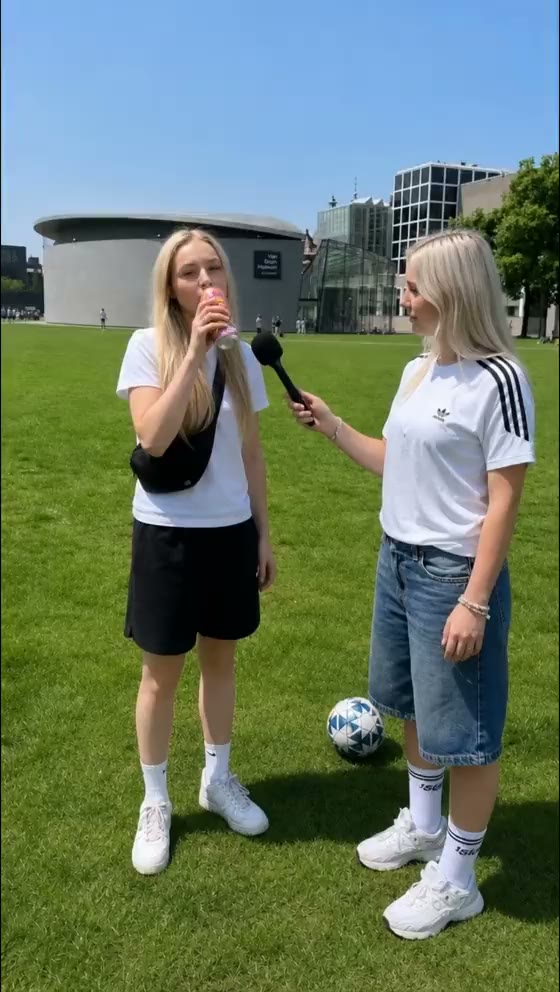
| Street Interview | A host and up to four strangers | One real street, one afternoon | None. |
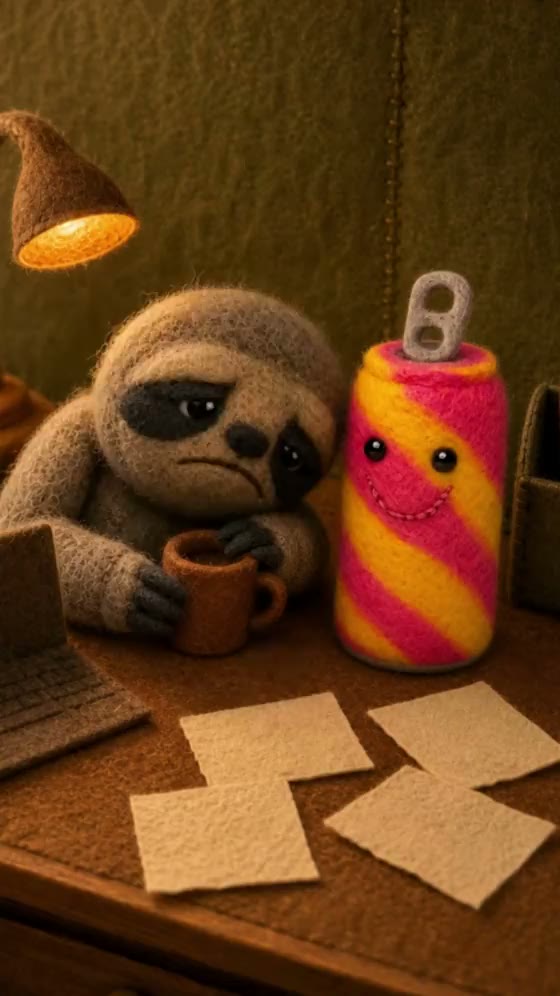
| Felt Stop Motion | Needle-felted wool characters | A handmade tabletop set | None. |
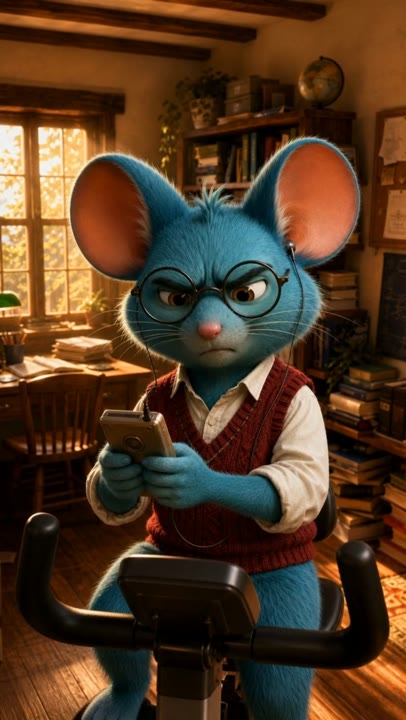
| Pixar-Style 3D Animation | Designed 3D characters | A modelled, art-directed set | None. |
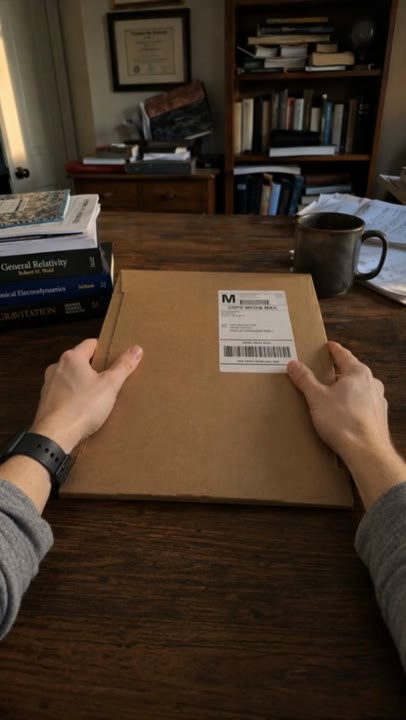
| POV Unboxing | One pair of hands | A real surface, seen from above | At most two lines. |
| Product Mashup | Nobody | One locked template, repeated | A hook and short labels. |
| Story Slideshow | Nobody | Product-in-use, cut fast | The captions are the script. |
| FaceTime Call | Two callers, in two rooms | A call, one caller or both | None. |
| Podcast Clip | A host and a guest | One desk, several locked cameras | Captions, generated from the audio. |
| Comedy Skit | A lead and a catalyst | One lived-in room, fixed vantages | None. |
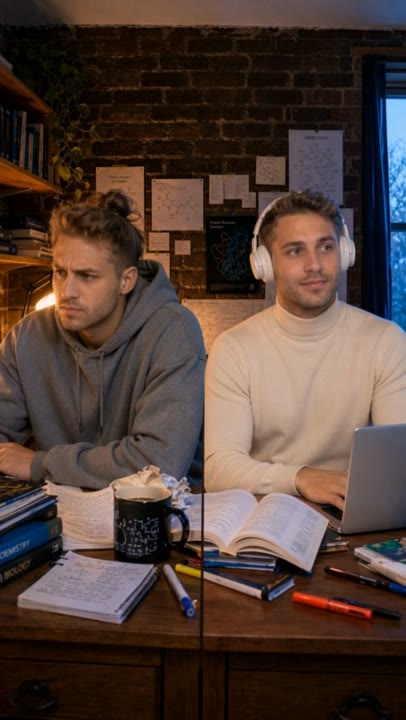
| Twin Skit | One actor, playing two | One room, camera locked off | None. |
| Presenter Product Demo | One presenter | Their room, plus your recording | On generated shots only. |
| Voiceover Product Demo | Nobody | Your recording, plus close work | On generated shots only. |
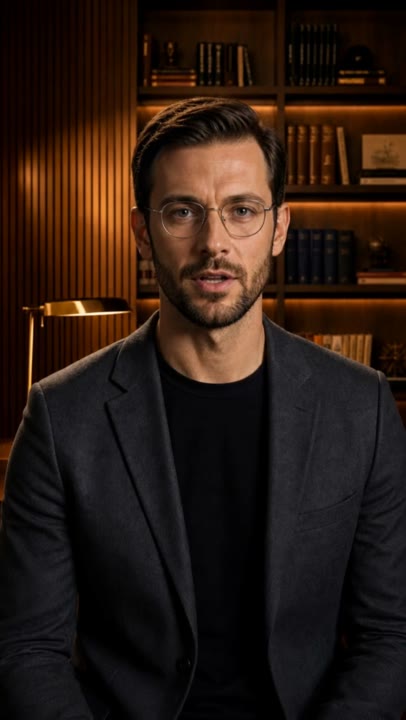
| Expert Talking Head | One crew-lit presenter | A built set, plus proof cutaways | A stat lockup on proof shots. |
| UGC Text & Music | A performer, never in close-up | Their day, cut to music | The captions are the only copy. |
Not sure which one you need? Describe the product and let it pick.
Make an adEvery new account starts with 4,000 credits.
What does each format actually look like?
Every format in the library ships a real generated ad you can watch before you commit to it. These are those ads, not mockups.
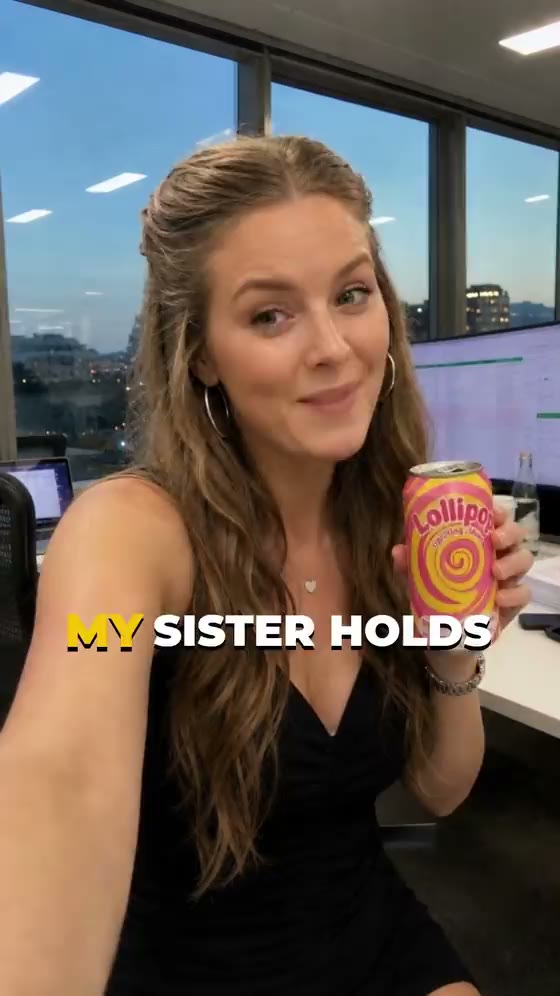
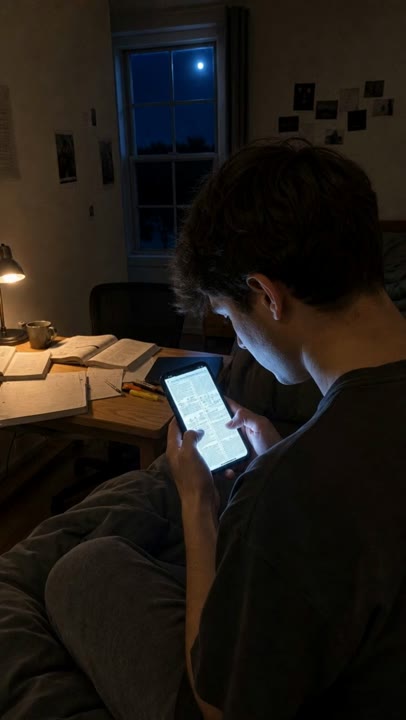
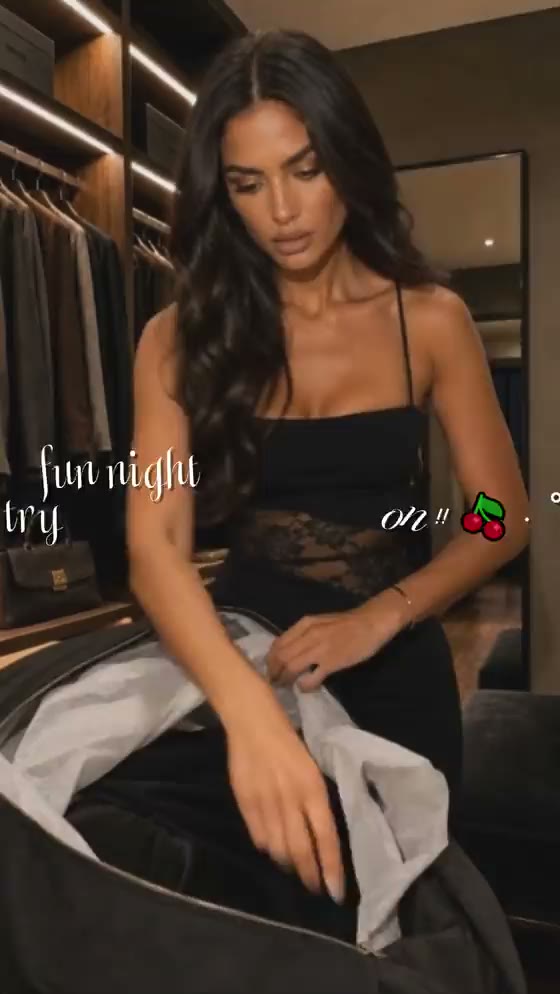
the Yapper talking-head format
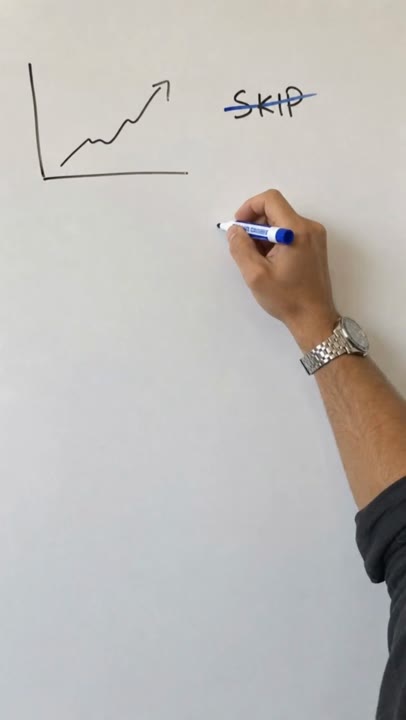
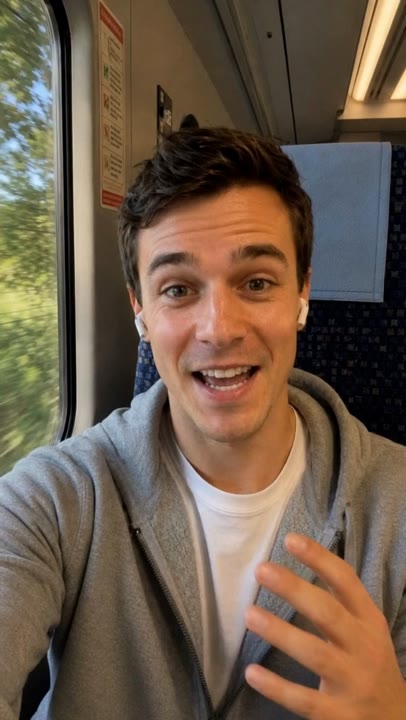
One person speaks to camera for the whole ad, in one lived-in room, with no cutaways and no B-roll of any kind. Framing size is the only cut available. the faceless whiteboard explainer
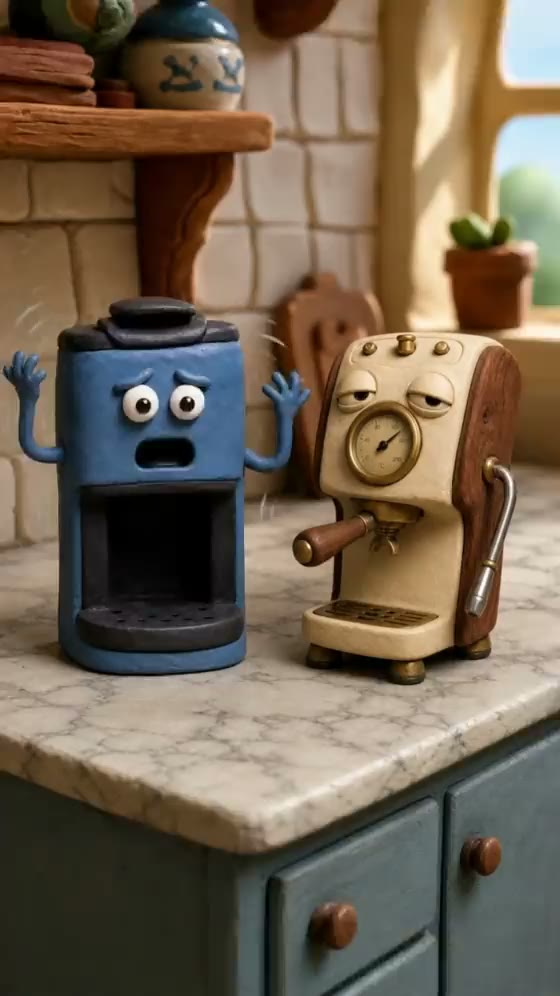
A voiceover argues while one hand draws on a flat white board that fills the frame. Nothing else is in shot, and one new mark lands per scene. the stop-motion claymation format
Plasticine puppets on a handmade miniature set, with fingerprints and tool marks left in the clay and proportions that are visibly hand-sculpted. the video sales letter format
One unbroken narrator over renders, graphs, stat cards, room footage and product macros. The direct-response format, and the one that admits it is an ad. the vox-pop street interview format
A host with a visible handheld mic stops strangers on a street, and their answers carry the sell. Nobody looks at the lens except the host, on the closing ask. the needle-felted stop motion format
Needle-felted wool characters with visible fibre and stitched eyes, on a handmade set built from the same materials, moving with a stepped stop-motion cadence. the 3D animated character format
Designed 3D characters on a modelled set with one colour story held across every scene. No live-action person and no photographic element ever enters the set. the silent POV unboxing format
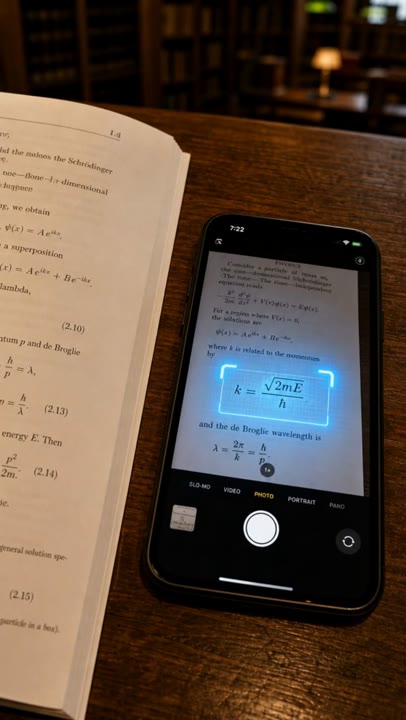
Silent and first-person: the camera looks down at your own hands breaking the seal on a real package. One pair of hands is the only part of any person that appears. the one-template product mashup format
Short clips locked to one template, with exactly one thing changing at each cut: either the product or the scene, never both. The comparison does the persuading. the caption-led story slideshow format
Product-in-use footage cut every one to three seconds in plot order, with no presenter and no voiceover. Something is always moving inside the frame. the two-person video call format
Two friends on a video call in two visibly different rooms, one converting the other. Both look straight into the lens, which no other conversational format does. the mic'd-desk podcast clip format
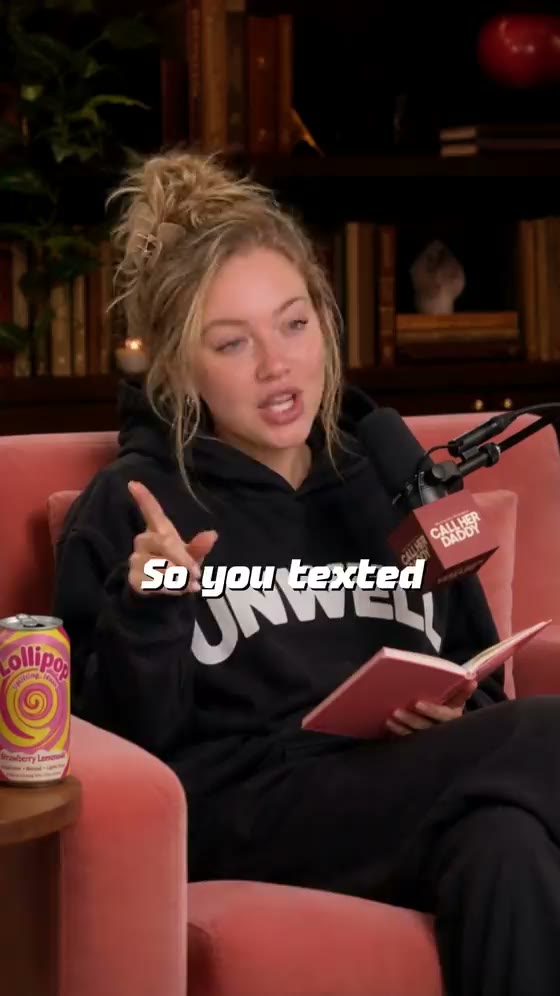
A host and a guest at one shared desk with a large microphone each, caught mid-conversation. The host holds the left seat and the guest the right, throughout. the scripted comedy skit format
A short scripted sketch in one lived-in room, shot from a few fixed vantages that never float and never follow. The punchline is the widest framing in the ad. the one-actor twin skit format
One actor plays both sides of an argument with themselves and the product referees. Wardrobe first, hair second and posture third are what tell the two apart. the presenter-led software demo format
A presenter makes the argument on camera in one real working room, while your own screen recording cuts in underneath their continuing voice. the faceless software demo format
An unseen narrator argues over full-frame playback of your own screen recording, cut with close shots of the manual work the software replaces. the crew-lit expert talking head format
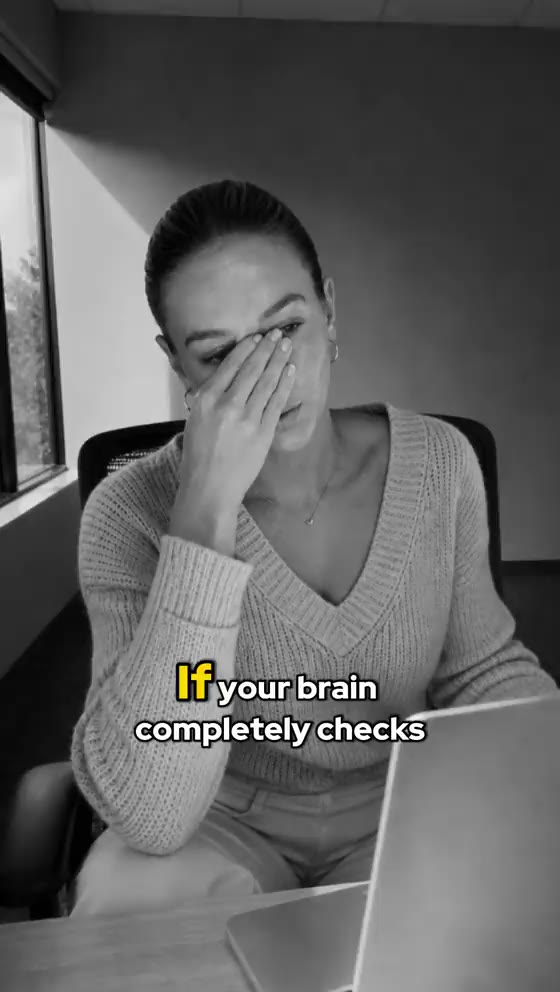
The deliberate opposite of scrappy phone-shot UGC: a presenter lit on a built set, with crew-shot proof carrying each claim on an anchor, proof, anchor rhythm. the silent text-and-music format
Nothing is spoken anywhere. A performer moves through their day to music while on-screen captions carry every word, and no close-up of a face appears at all.

Which format should you brief?
Start from what the buyer has to believe. If the claim is something a person can be trusted about, put a person on camera and let them say it. If the claim only becomes believable once it is demonstrated, pick a format that has somewhere to cut away to, because a talking head has none. If one voice is not enough proof, stack several. Each format’s own definition states both halves of that, and the avoid half is as specific as the use half.
Length is the other half of the decision. Every format carries its own default and its own allowed lengths, and those are the format’s numbers rather than a global setting.
If the answer depends more on what you sell than on what you want to film, start from there instead. Which formats suit an online store shipping physical products and what an ad generator is allowed to show of your software both work backwards from the buyer rather than forwards from the catalogue.
How does this compare with the other AI ad tools?
That is a different question from which format to brief, and it has its own section. Four AI ad tools read off their own published pages covers what each one is built on, and names the two that do not publish a price. If the question underneath is the mechanics rather than the shortlist, how a video ad gets made with AI, stage by stage walks the whole path and says which decisions stay yours, and the walkthrough of connecting Claude to Lollipop and briefing an ad from the chat does it from an assistant instead of this page.
What this list does not do
Three limits worth knowing before you treat this page as the catalogue:
- It is not all of them. Only the formats with a page are listed here, and the rest are being written one at a time rather than dumped in a batch. The product itself shows the whole library.
- You do not choose the on-screen text. Whether an ad carries authored captions or overlays is decided by the format, not by you. Some forbid them outright, one requires them on the hook and the closing ask, and others allow a single sparse line.
- A format constrains the script, not just the look. Each one ships its own scripting agent, its own scene agent and its own visual rules, so a brief that fights the format produces a worse ad rather than a hybrid one. Changing your mind late means changing format, not editing shots.
Pick a format and brief it now.
Make an adDescribe the product in a chat. Lollipop writes the script, casts the actor and renders every shot, and you can open the canvas to change any of it.